
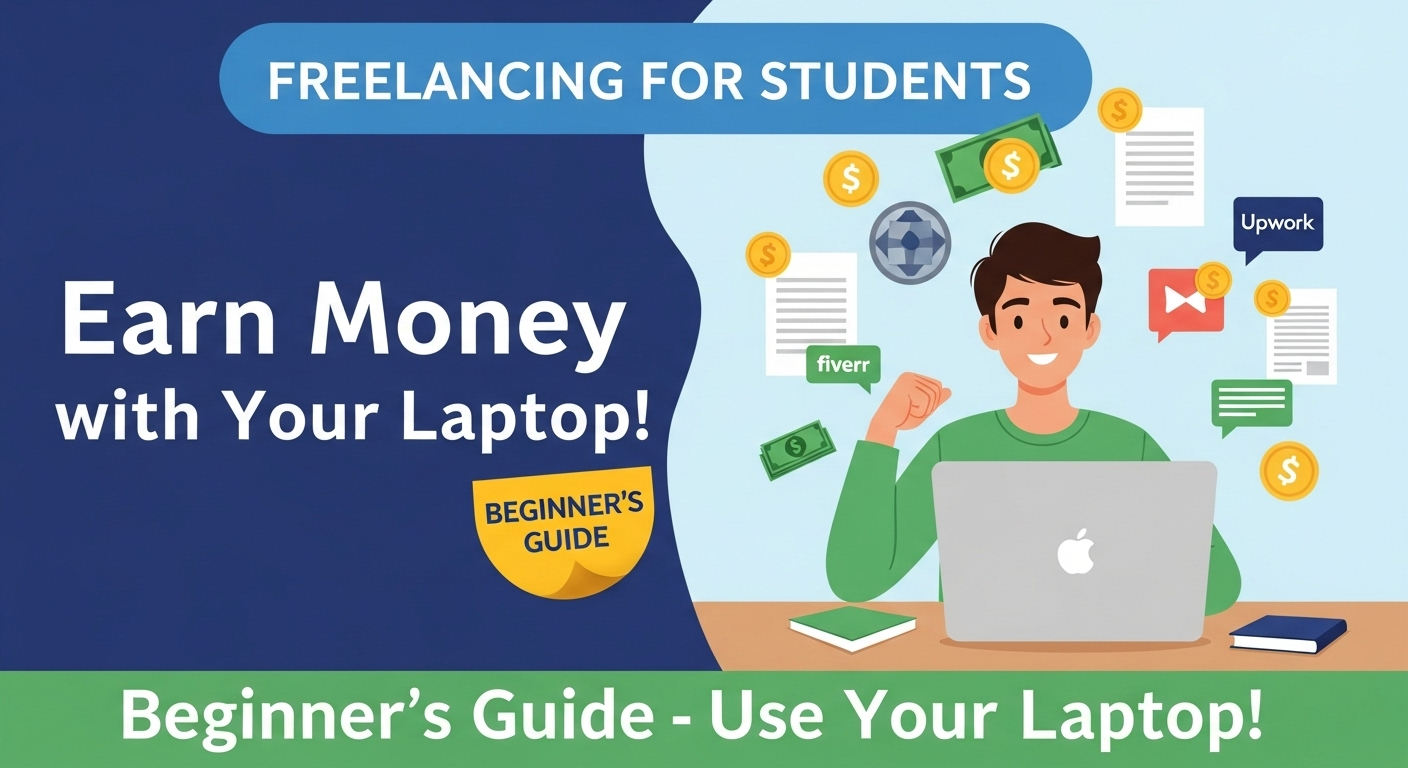
Are you a student looking to earn online while studying? Freelancing has become one of the most popular ways for students to make money, gain experience, and build a professional portfolio. But a common question arises: Which is better for freelancing—a laptop or a desktop PC? And more importantly, how can students effectively use laptops to start freelancing? In this guide, we’ll answer these questions and provide practical tips for beginners.
Laptop vs PC for Freelancing: Which Should Students Choose?
When starting freelancing, portability and convenience matter a lot. Laptops give you the flexibility to work from anywhere—whether it’s your hostel, library, or a café. Desktops, on the other hand, may provide slightly better performance for the same price but are not portable.
Why laptops are ideal for students:
- Lightweight and portable → work from university, home, or on-the-go.
- Built-in battery → continue working during power outages.
- Easy setup → no need for extra peripherals like monitors or keyboards.
When a desktop might be better:
- You need high-end graphics for video editing or 3D work.
- You prefer a stationary workstation with multiple monitors.
For most beginners and students, a mid-range laptop with at least 8GB RAM, SSD storage, and Intel i5 / Ryzen 5 processor is perfect for freelancing tasks.
1. Set Up Your Laptop for Freelancing
Once you have a suitable laptop, setting it up properly is essential:
- Install essential software: Microsoft Office, Google Workspace, or any niche software for your freelancing field.
- Reliable internet connection: A stable Wi-Fi or hotspot is crucial for client communication, file uploads, and virtual meetings.
- Organized workspace: Even a small laptop desk setup with good lighting improves productivity.
Pro Tip: Use cloud storage like Google Drive or Dropbox to store client files securely and access them from anywhere.
2. Choose the Right Freelancing Field
Freelancing options for students are vast, including:
- Content writing & blogging → requires basic software and internet.
- Graphic design & video editing → mid-range laptop with SSD and graphics card preferred.
- Web development & programming → moderate RAM and software like VS Code or PyCharm.
- Digital marketing & social media management → lightweight apps and internet connectivity are enough.
All About: How to Correct Application Information in the PM Laptop Scheme Phase-IV
Example: A student can start content writing with just a laptop and internet connection, while a beginner graphic designer may need a laptop with a dedicated GPU.
3. Practical Tips for Freelancing with a Laptop
- Use project management tools: Trello, Asana, or Notion help manage tasks efficiently.
- Learn keyboard shortcuts and productivity apps: Speed up work on your laptop.
- Keep your laptop secure: Install antivirus software and avoid suspicious downloads.
- Set a daily schedule: Freelancing requires discipline alongside studies.
4. Common Mistakes Students Make
- Choosing a laptop solely for looks or brand rather than performance.
- Ignoring battery life → leaves you stranded during classes or library work.
- Overloading the laptop with unnecessary software → slows down performance.
- Not backing up files → risking client data loss.
Tip: Follow a simple laptop maintenance routine to avoid slow performance and technical issues.
FAQs: Freelancing with a Laptop for Students
Q1: Can I start freelancing on a basic laptop?
A: Yes, for writing, social media management, and basic tasks, a laptop with 4–8GB RAM is enough.
Q2: Is a laptop better than a desktop for students starting freelancing?
A: Yes, laptops are portable and convenient for students, though desktops may offer slightly better specs at the same price.
Q3: What are the best laptops for beginner freelancers in Pakistan?
A: Dell Inspiron, HP Pavilion, Lenovo IdeaPad, and Asus VivoBook series with mid-range specs are ideal.
Q4: Do I need high-end specs for freelancing as a student?
A: Only if you plan to do video editing, graphic design, or software development. For writing, virtual assistance, or digital marketing, mid-range laptops are sufficient.
Q5: How can students secure their laptops while freelancing?
A: Use antivirus software, strong passwords, backup important files, and avoid working on public Wi-Fi without a VPN.
Q6: How much RAM and storage is enough for freelancing?
A: 8GB RAM and 256GB SSD is a safe starting point for most freelancing tasks.
Q7: Can I freelance using free online tools only?
A: Yes, for content writing, basic graphic design, or social media management, free tools like Canva, Google Docs, and Trello can suffice initially.
Conclusion
Freelancing with a laptop is not only possible but also ideal for students who want flexibility and mobility. By choosing the right laptop, setting it up efficiently, selecting a freelancing field, and following best practices, students can start earning online while continuing their studies. Remember, a reliable laptop, proper planning, and consistent effort are your keys to freelancing success.